

Fambet Casino allocated serious resources into a native mobile app that brings the whole casino floor into your pocket, with no compromises. Instead of just reducing the desktop site, the app was built from scratch to leverage touch controls, device hardware, and on-the-go connectivity. After a one-time install, you receive instant access to hundreds of slots, table games, and live dealer streams. The whole experience is faster, more robust on security, and built around how people actually play these days. This guide details every practical aspect of the Fambet Casino mobile app, from supported devices and installation steps to the exclusive features that render it a solid pick for real-money gaming on a smartphone or tablet.
The Shift to Mobile-First Casino Gaming
Smartphones and tablets have reshaped how people interact with online casinos, and Fambet Casino reacted by offering an app that handles the phone as the principal platform, not an afterthought. The mere gesture of touching a native app icon removes all the friction of inputting a URL, anticipating a browser to load, and managing multiple tabs. After a one-time install, the app keeps you logged in securely, recalls your preferences, and displays a lobby where game thumbnails appear almost instantly on a decent connection. That immediacy makes it natural to play in short bursts, during a commute, a lunch break, or a quiet moment at home, without experiencing like you’re dedicating to a long session.
But the mobile-first design goes beyond convenience. Every element was reimagined for a smaller screen. Buttons are shaped for thumbs, menus contract into intuitive icons, and game grids scroll vertically with a smooth momentum. Fambet’s development team fine-tuned the rendering engine so that slot animations and live dealer video operate at consistent frame rates, even on mid-range hardware. The result is an environment where you sense in control, no pinching to zoom, no hunting for buried settings. That concentration on usability is what separates a true mobile app from a responsive website, and it’s the basis for all the strengths we’ll discuss in this article.
Steps to Download and Install the Fambet Casino App
Installing the app on an iPhone or iPad follows the usual App Store procedure. Just head to the official Fambet Casino website using Safari or any mobile browser, locate the mobile section, and press the iOS download button. That redirects you to the App Store listing, where tapping “Get” starts the standard installation. The app icon shows up on your home screen within seconds, and the first launch initiates a quick age and location verification. Because the app is provided through Apple’s official channel, all the code is checked, and automatic updates arrive through the App Store just like any other application.

Android installation needs one extra step because the APK is loaded outside the Play Store. After visiting the Fambet Casino site on your Android device, click the Android download button, and the APK file saves to your Downloads folder. Before you open it, you have to modify your device settings to allow installation from unknown sources. This option is typically found under Security or Apps & Notifications, based on the manufacturer. Once that’s activated, tap the downloaded file, the installer runs, and the app is set in under a minute. After installation, it’s advisable to switch the unknown sources toggle back off for ongoing device security. The app looks for updates internally and will ask you to download a new APK when a major version is launched.
Regardless of your platform, exclusively download the app from the official Fambet Casino website. Counterfeit versions can compromise your personal data or payment information. The casino charges no any fee for the download, and the whole process uses minimal mobile data, less than playing a short video. Once set up, the app icon features the Fambet Casino logo, making it convenient to identify on a crowded home screen.
Speed, Security, and Information Management
Built-in mobile code offers the Fambet Casino app a notable performance edge over browser-based play. Games launch faster because core assets are stored locally after the first launch, and the rendering pipeline is tuned for mobile GPUs. Live dealer streams use adaptive bitrate technology that modifies video quality based on your current connection speed, preventing buffering on 4G while delivering crisp HD on strong Wi-Fi. In normal play, an hour of slot play uses roughly 15 to 25 megabytes of data, and live casino tables use around 150 to 250 megabytes per hour depending on the stream quality. Those figures are comparable to or lower than streaming music or video.
Security is managed with the same strictness as the desktop platform. All communication between the app and Fambet Casino servers is encrypted using TLS protocols, and sensitive operations like withdrawals require additional verification steps. The app never stores complete payment card numbers or passwords in plain text on the device, and an automatic session timeout logs you out after a period of inactivity, and you can modify the duration in settings. Regular external security audits and penetration tests are part of the development cycle, guaranteeing the app stays strong against emerging threats. Players who follow basic device hygiene, like keeping the operating system updated and avoiding rooted or jailbroken devices, can transact with confidence.
Unique Mobile Features and Application Tools
Fambet Casino has equipped its app with several features that are either absent or less refined on the desktop site. Biometric authentication is a standout: on compatible devices, you can enable Touch ID or Face ID login, which replaces the need to type a password every time you open the app. This accelerates access and offers a layer of security, since the biometric data never departs your device. Push notifications hold you informed about new game releases, time-sensitive promotions, and live tournament alerts without overwhelming the notification shade. Each notification type can be customized or deactivated entirely from the in-app settings, so you’re always in control.
The app also features a built-in responsible gaming toolkit that allows you set deposit limits, loss limits, session reminders, and self-exclusion periods directly from the account menu. These tools are shown in a clear, non-intrusive way and take effect immediately. Another mobile-specific convenience is the quick-deposit widget, which recalls your preferred payment method and can process a deposit in two taps without navigating through multiple screens. Live chat support is reachable from a floating icon, and the conversation persists even if you switch between games, so you never have to repeat your issue to a new agent.
System Compatibility and Platform Requirements
The Fambet Casino app works with a wide range of modern smartphones and tablets across the two big mobile ecosystems. For Apple users, the app requires iOS 11.0 or later, which means it works on an iPhone 5s and anything newer, plus iPad Air, iPad mini 2, and all later generations. The interface scales to different screen sizes, so whether you’re on an iPhone SE or an iPad Pro, the layout adapts intelligently without cropping important controls. Regular updates ensure things compatible with the latest iOS releases, often releasing within days of a major operating system upgrade.
On the Android side, the app works on devices running Android 5.0 (Lollipop) and above, which covers the vast majority of active handsets worldwide. Since Google Play Store policies restrict real-money gambling apps in many regions, Fambet Casino offers the Android application as a direct APK download from its official website. The APK file is lightweight, usually under 80 megabytes, and sets up cleanly on phones from Samsung, Xiaomi, OnePlus, Google Pixel, and other major manufacturers. A minimum of 2 gigabytes of RAM is suggested for smooth multitasking, and a stable 4G or Wi-Fi connection guarantees uninterrupted live dealer streams and fast game loading.
Tablet users are entirely supported on both platforms. The app recognizes the larger canvas and presents more game tiles per row along with a slightly expanded navigation bar. You are not required to have the latest flagship processor, but older entry-level devices with limited graphics could experience slower animations on graphically intense 3D slots. If you’re unsure about your specific device, check the official Fambet Casino mobile page. There’s a compatibility checker or a live support agent who can confirm whether your hardware meets the recommended specs before you download.
Browsing the App Interface and Game Library
When you launch the Fambet Casino app, you land on a lobby designed for quick discovery. A persistent bottom navigation bar offers you one-tap access to the game lobby, promotions, the cashier, and account settings. The main game area defaults to a curated selection of featured titles, but a horizontal category strip enables you to jump to slots, table games, live casino, or jackpots instantly. A search icon at the top permits direct lookup by game name or provider, which is particularly useful if you know exactly which title you want to play without scrolling through hundreds of thumbnails.
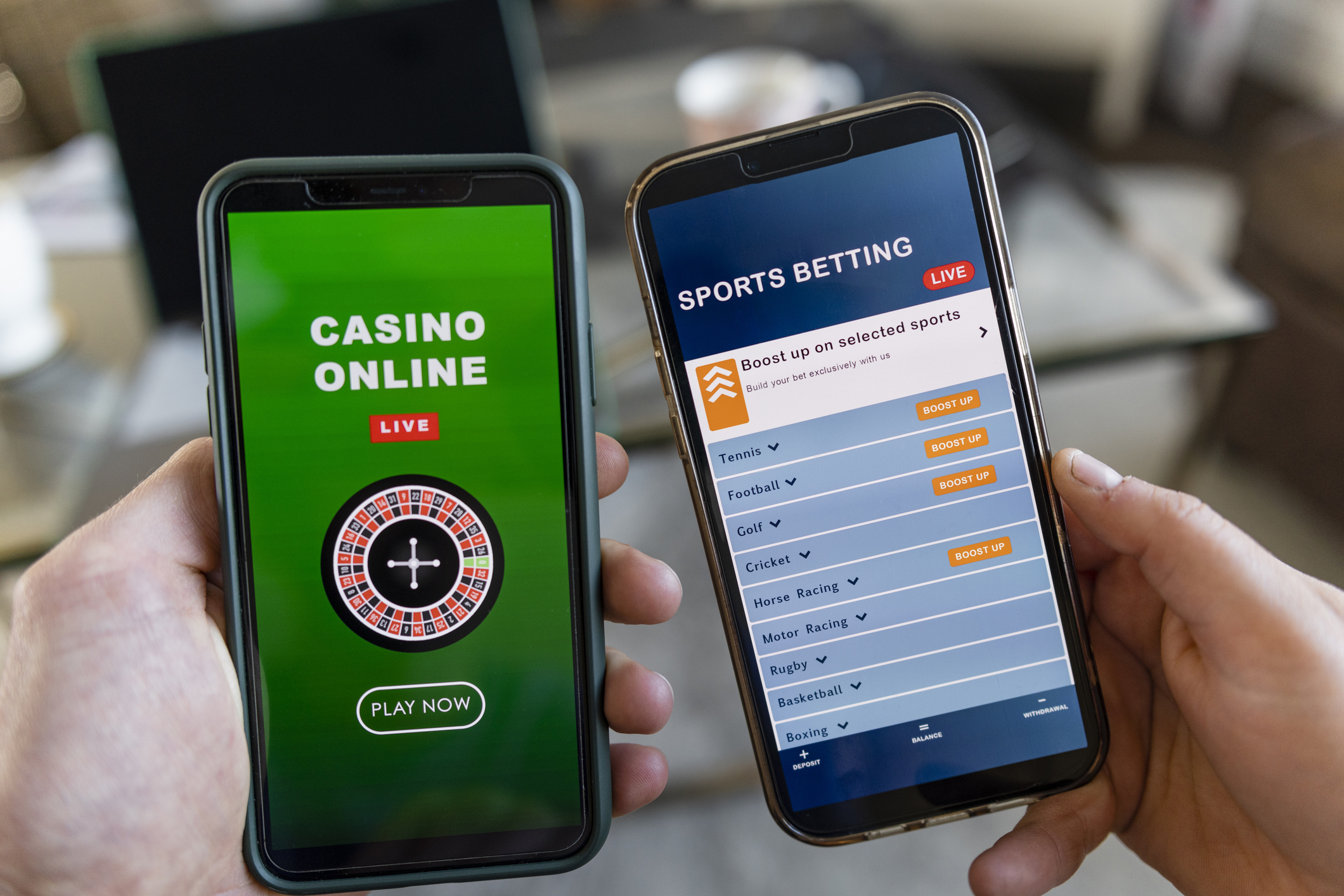
The game tiles are large enough to spot at a glance, with high-resolution artwork that loads progressively. Tapping a tile launches the game in a full-screen view that hides the device status bar and navigation buttons, creating a more immersive experience. During play, a swipe from the edge or a subtle handle can return the lobby without closing the game, allowing you to switch titles quickly. The cashier section is built directly into the app flow, so depositing funds or requesting a withdrawal never demands leaving the app or opening a separate browser window. Transaction history, bonus status, and loyalty points are all accessible from the account panel, offering you a complete overview of your activity in one place.
Mobile App Versus Computer Site: What Alters and What Remains Unchanged
While the game library and account funds are uniform across platforms, Fambet Casino mobile, the mobile app delivers a more concentrated and interruption-free environment. On a desktop, browser bars, notifications from other tabs, and the temptation to multitask can dilute the gaming session. The app erases those diversions by taking up the full screen and silencing external alerts by default. Gesture controls for adjusting bet levels or spinning slots feel more fluid on a touchscreen, and many games include a portrait mode that lets you play with one hand, something a desktop setup just can’t replicate.
Some offers may show up exclusively in the mobile app, and the push notification system makes sure you’re among the first to find out about them. The desktop site, though, provides a larger canvas that can be preferable for complex table games with multiple betting areas or for checking detailed transaction histories. Account management functions like sending verification documents are often easier on a desktop, but the app can process them through the device camera and file picker. The two platforms work well together. You can start a session on the app during a commute and carry on later on a laptop without any decrease of progress or funds.
Frequently Asked Questions
Is downloading the Fambet Casino app free?
Absolutely, the app is free to download and install on both iOS and Android devices. Fambet Casino does not impose any charge for the application itself. You only have to fund your casino account if you wish to play real-money games. The download uses a small amount of mobile data, roughly equivalent to loading a few web pages, and there are no hidden subscription costs whatsoever.
What is the process to update the Fambet Casino app on Android?
Because the Android app is distributed outside the Google Play Store, updates don’t happen automatically through the Play Store. When a new version is released, the app shows an in-app notification prompting you to download the latest APK from the official Fambet Casino website. The process mirrors the initial installation: download the file, enable unknown sources if needed, and install over the existing app. Your account data is preserved throughout.
Is it possible to use the same account on the mobile app and desktop site?
Of course. Your Fambet Casino account works across all platforms. You can log in on the mobile app, deposit funds, play a few rounds, and later switch to a desktop browser to continue with the same balance, bonus progress, and game history. All transactions and settings synchronize in real time, so there is no need to maintain separate accounts or transfer money between them.
What should I do if the app won’t install on my Android device?
Initially, verify that your device operates on Android 5.0 or later and that there’s enough free storage space for the APK and additional game data. If the installation still fails, make sure the “Install from unknown sources” permission is turned on for the browser or file manager you use to open the APK. Clearing the cache of the package installer and power cycling the device can also fix temporary conflicts. If problems continue, get in touch with Fambet Casino support for direct assistance.
Can the Fambet Casino app be accessed in every country?
The presence of the app is determined by local gambling regulations. Fambet Casino maintains a recognized license and limits access from jurisdictions where online casino gaming is banned. The app might not show up in the iOS App Store or enable account creation from certain IP addresses. Consult the terms and conditions on the official website to confirm whether your country of residence is permitted before seeking to download or sign up.
How much mobile data does the app utilize during typical play?
Data usage varies by game type. Slot games typically use between 15 and 25 megabytes per hour, while live dealer tables with video streaming can require around 150 to 250 megabytes per hour depending on the selected stream quality. The app employs caching to reduce repeated downloads of game assets. If you’re concerned about data limits, use Wi-Fi for live casino sessions and adjust notification settings to minimize background data consumption.